


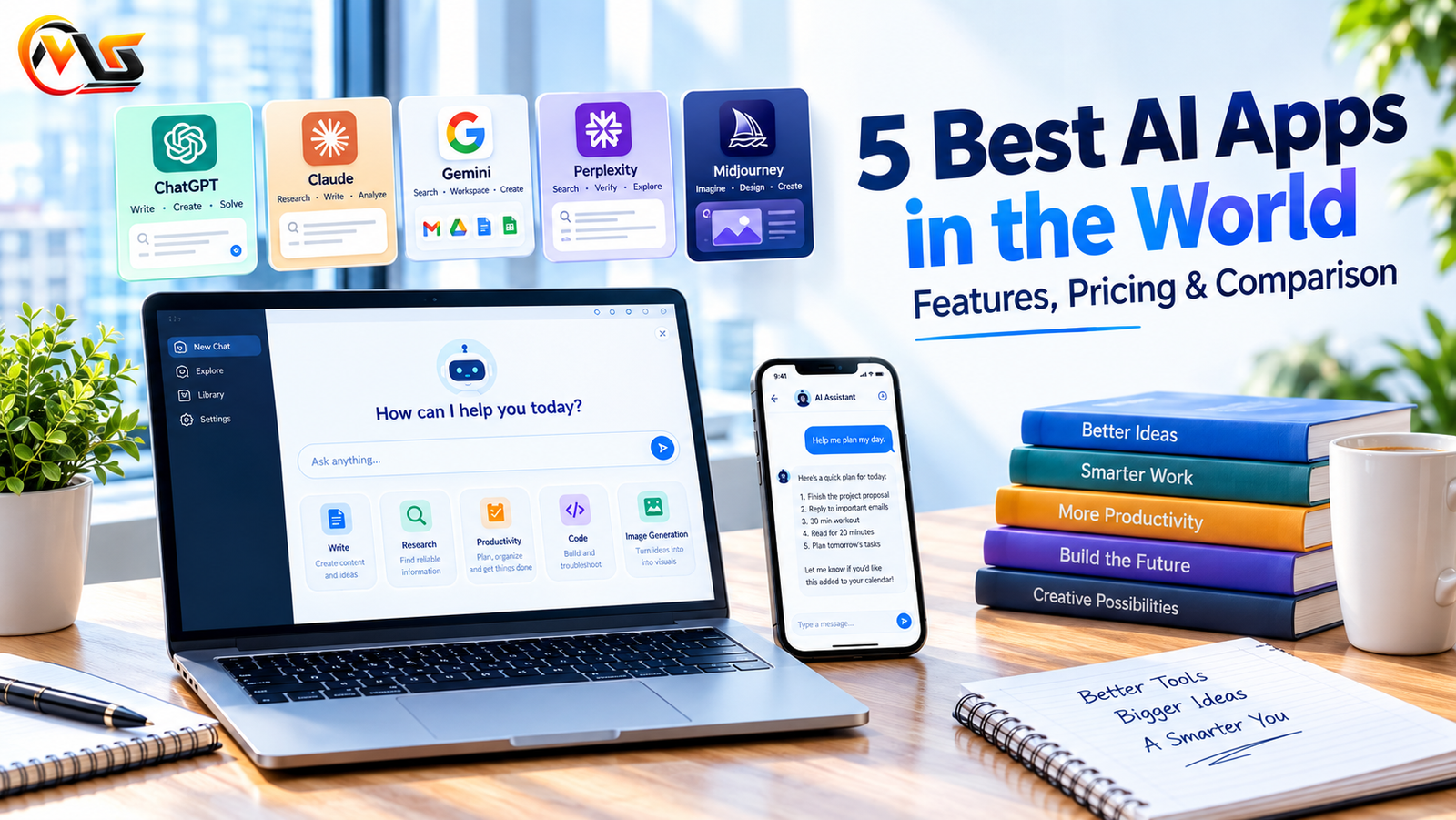
Artificial intelligence has made many everyday tasks easier, from writing articles and answering questions to researching unfamiliar topics and creating images. What once required several different tools can now often be done with a single AI application. Whether you are a student, content creator, business owner, developer, or simply someone who wants to save time, the right AI tool can make a noticeable difference in your daily routine.
The challenge is choosing one that actually fits your needs. Some AI apps are better at writing and problem-solving, while others focus on web research, productivity, or visual design. Their free plans, paid features, and usage limits also vary.
In this guide, we compare five of the best-known AI apps in the world: ChatGPT, Claude, Google Gemini, Perplexity AI, and Midjourney. You will learn what each tool does best, what it costs, and which option may be worth trying first.
Quick Comparison: 5 Best AI Apps
| AI App | Best For | Starting Paid Plan* | Free Access |
|---|---|---|---|
| ChatGPT | General tasks, writing, and problem-solving | Around $20/month | Yes |
| Claude | Long-form writing and document analysis | Around $20/month | Yes |
| Google Gemini | Google services and everyday productivity | Around $20/month | Yes |
| Perplexity AI | Web research and source-backed answers | Around $20/month | Yes |
| Midjourney | AI-generated images and artwork | Around $10/month | No standard free plan |
*Prices are approximate starting prices for commonly available individual plans. Taxes, regional pricing, plan names, and included features may vary. Check each provider’s official pricing page before subscribing.
1. ChatGPT — Best All-Round AI Assistant
ChatGPT is a versatile AI assistant that can help with a wide range of everyday tasks. You can use it to draft emails, explain difficult concepts, brainstorm ideas, summarize documents, write code, or plan a project. Instead of switching between multiple applications for simple tasks, you can often get started with a single conversation.
One of its biggest advantages is flexibility. You can ask a question in ordinary language, request a shorter explanation, or refine the response until it suits your needs. Depending on the plan and available features, ChatGPT can also work with images, files, voice, and other types of input.
Key Features of ChatGPT
- Content writing: Helps create outlines, articles, emails, product descriptions, and social media posts.
- Problem-solving: Explains concepts, works through questions, and assists with coding and troubleshooting.
- Image capabilities: Supports image understanding and image generation where available.
- File analysis: Can help interpret uploaded documents, spreadsheets, and other supported files.
- Customisation: Offers custom GPTs and other personalisation features, depending on availability.
ChatGPT Pricing
The free plan is a practical starting point for everyday use, although certain models and tools have usage limits. ChatGPT Plus has commonly been priced at around $20 per month and offers higher limits and additional capabilities.
Best for: People who want one AI app for writing, learning, brainstorming, and general productivity.
2. Claude — Best for Natural Writing and Long Documents
Claude, developed by Anthropic, is particularly useful for people who spend a lot of time writing, editing, or working with lengthy documents. It can help organise complicated information, improve the flow of an article, review code, and turn rough notes into more readable content.
Its writing style is often a good fit for users who prefer clear explanations and a more measured tone. However, the quality of the result still depends on the instructions, source material, and amount of editing required.
Claude is also useful when a task involves several connected ideas. You can provide background information, explain your preferred style, and ask it to revise specific sections without rewriting the entire document.
Key Features of Claude
- Long-form writing: Helps structure articles, reports, proposals, and other detailed documents.
- Document analysis: Can examine supported files and identify important information.
- Coding assistance: Helps explain code, troubleshoot errors, and develop software.
- Artifacts: Provides a workspace for working with certain generated content, including code and visual layouts.
- Reasoning and analysis: Assists with multi-step questions and complex tasks.
Claude Pricing
Claude offers free access with usage limits. Its Pro plan has commonly been priced at around $20 per month, with higher usage limits and access to additional capabilities.
Best for: Writers, editors, developers, and professionals who regularly work with detailed text or large amounts of information.
3. Google Gemini — Best for Google Services and Productivity
Google Gemini is a useful choice for people who already rely on Google’s services. Depending on the account, subscription, and available integrations, it can help with tasks involving Gmail, Google Docs, Drive, and other parts of the Google ecosystem.
For example, you might use Gemini to brainstorm an email response, summarise information, organise ideas for a presentation, or understand a complicated topic. Its connection with Google Search can also help provide information grounded in web results when that feature is available.
Another advantage is its ability to work across different types of content. Supported versions can interpret images, documents, audio, and other inputs, making it useful for more than simple text conversations.
Key Features of Google Gemini
- Google integration: Works with supported Google services and connected information.
- Web-grounded answers: Can use Google Search to help answer questions about current topics.
- Multimodal capabilities: Supports different content types, depending on the model and feature.
- Writing assistance: Helps draft, summarise, and improve documents.
- Everyday planning: Can assist with research, learning, brainstorming, and organising tasks.
Google Gemini Pricing
Gemini offers free access, while paid Google AI subscriptions provide additional features and higher limits. Some subscriptions also bundle Google One storage or other benefits. The exact package and price depend on the plan available in your region.
Best for: People who use Google services regularly and want AI assistance within their existing workflow.
4. Perplexity AI — Best for Research and Finding Sources
Perplexity AI takes a research-focused approach to answering questions. Rather than simply producing a response from its model, it searches available web sources and presents an answer with citations that readers can follow.
This makes it particularly useful when you need to explore an unfamiliar subject, compare products, investigate a developing topic, or find sources for further reading. Instead of opening numerous search results and reading every page from scratch, you can begin with a summary and then examine the references behind it.
Still, citations do not guarantee that every statement is correct. Sources may be outdated, incomplete, or interpreted incorrectly, so important claims should be checked against the original material.
Key Features of Perplexity AI
- Source-backed answers: Provides references to web pages used in its responses.
- Conversational search: Lets you ask follow-up questions without starting the research process again.
- Research tools: Offers more advanced research capabilities on supported plans.
- File analysis: Paid features may include uploading documents and asking questions about their contents.
- Topic exploration: Helps identify useful sources and discover related information.
Perplexity AI Pricing
The free plan is suitable for many standard searches. Perplexity Pro has commonly been offered at around $20 per month, with access to additional research features and higher usage limits.
Best for: Students, researchers, journalists, and anyone who wants to find information and inspect its sources.
5. Midjourney — Best for AI Image Generation
Midjourney focuses on creating images from written prompts. It is a strong option for people who need illustrations, artistic concepts, visual inspiration, or polished images for creative projects.
You describe the image you want, including its subject, lighting, composition, colours, and style. Midjourney then generates visual options based on that description. You can refine your prompt to explore different compositions or move closer to the look you have in mind.
For example, a content creator might use it to develop a conceptual image for an article, while a designer could explore different visual directions before starting a project. The final result still needs to be reviewed for accuracy, consistency, and suitability.
Key Features of Midjourney
- Image generation: Creates visuals from text prompts.
- Artistic styles: Supports a wide range of visual approaches, from realistic scenes to stylised artwork.
- Image variations: Helps explore alternative compositions and creative directions.
- Prompt controls: Offers parameters for adjusting aspects such as image proportions and style.
- Creative workflow: Can support concept development for websites, campaigns, and design projects.
Midjourney Pricing
Midjourney has traditionally offered paid plans starting at around $10 per month. Higher-priced plans provide additional generation capacity and other benefits. Plan details and image-generation limits can change, so check the current pricing page before purchasing.
Best for: Designers, artists, marketers, and content creators who need custom AI-generated visuals.
Which AI App Should You Choose?
The best AI application depends on the work you want to complete. A tool that excels at writing may not be the best choice for image creation, while a research assistant may be more useful than a general chatbot when citations are essential.
Here is a simple way to narrow down your options:
- For everyday tasks: Start with ChatGPT if you want help with a broad range of questions and activities.
- For articles and long documents: Try Claude if you value structured writing, editing, and document analysis.
- For Google-based workflows: Consider Gemini if you regularly use Gmail, Docs, Drive, and related services.
- For online research: Choose Perplexity AI when you want answers accompanied by sources you can inspect.
- For visual content: Explore Midjourney if your main goal is generating creative images and artwork.
You do not necessarily need a paid subscription to get started. Try the free options first, identify the limitations you actually encounter, and upgrade only if the additional features justify the cost.
Are Free AI Apps Good Enough?
For many everyday tasks, free AI apps are more than sufficient. They can help you draft emails, understand unfamiliar topics, brainstorm article ideas, summarise information, and experiment with different workflows.
However, free plans often come with usage limits, restricted access to advanced models, or fewer specialised features. If you regularly analyse large documents, conduct extensive research, or generate substantial amounts of content, a paid plan may save time.
Before subscribing, consider how often you will use the tool, which features matter most, and whether another free application already meets your needs. Also remember that AI-generated information can contain mistakes, so verify important facts before relying on them.
Frequently Asked Questions (FAQs)
1. What is the best AI app in the world?
There is no single best AI app for everyone. ChatGPT is a versatile option for general tasks, Claude is useful for writing and document analysis, Gemini works well with supported Google services, Perplexity focuses on research, and Midjourney specialises in image generation.
2. Which AI app is best for free use?
ChatGPT, Claude, Google Gemini, and Perplexity AI all offer free access with varying limits. The best option depends on whether you need writing help, general answers, document analysis, or web research.
3. Is ChatGPT better than Google Gemini?
Neither is automatically better for every task. ChatGPT is a flexible general-purpose assistant, while Gemini may be more convenient for people who depend on Google services. Comparing their performance on your own tasks is the most practical way to decide.
4. Which AI app is best for writing articles?
ChatGPT and Claude are both useful for article planning, drafting, and editing. The final quality depends on the research, instructions, and human review. Writers should check facts, add original insights, and avoid publishing unedited AI output.
5. Which AI tool is best for research?
Perplexity AI is a useful starting point because it presents source-backed answers. ChatGPT and Gemini can also assist with research, depending on their available search features. Always check the original sources before using important claims.
6. Is Midjourney free to use?
Midjourney has traditionally operated through paid subscription plans rather than a standard free tier. Check its current website for the latest plan details and any changes to access.
Conclusion
The five AI apps covered in this guide serve different purposes, and each has its own strengths. ChatGPT offers broad everyday assistance, Claude supports writing and detailed analysis, Gemini fits naturally into many Google-based workflows, Perplexity helps with source-backed research, and Midjourney provides a dedicated platform for AI-generated images.
Rather than choosing a tool simply because it is popular, think about the tasks you perform most often. Start with the option that best matches your needs, test its free features where available, and compare the results before committing to a subscription.
The most useful AI app is ultimately the one that fits your workflow, produces results you can trust after checking them, and saves you time without adding unnecessary complexity.
Also Read: How to Maximize Small Closet Space: 10 Easy & Budget-Friendly Hacks
