


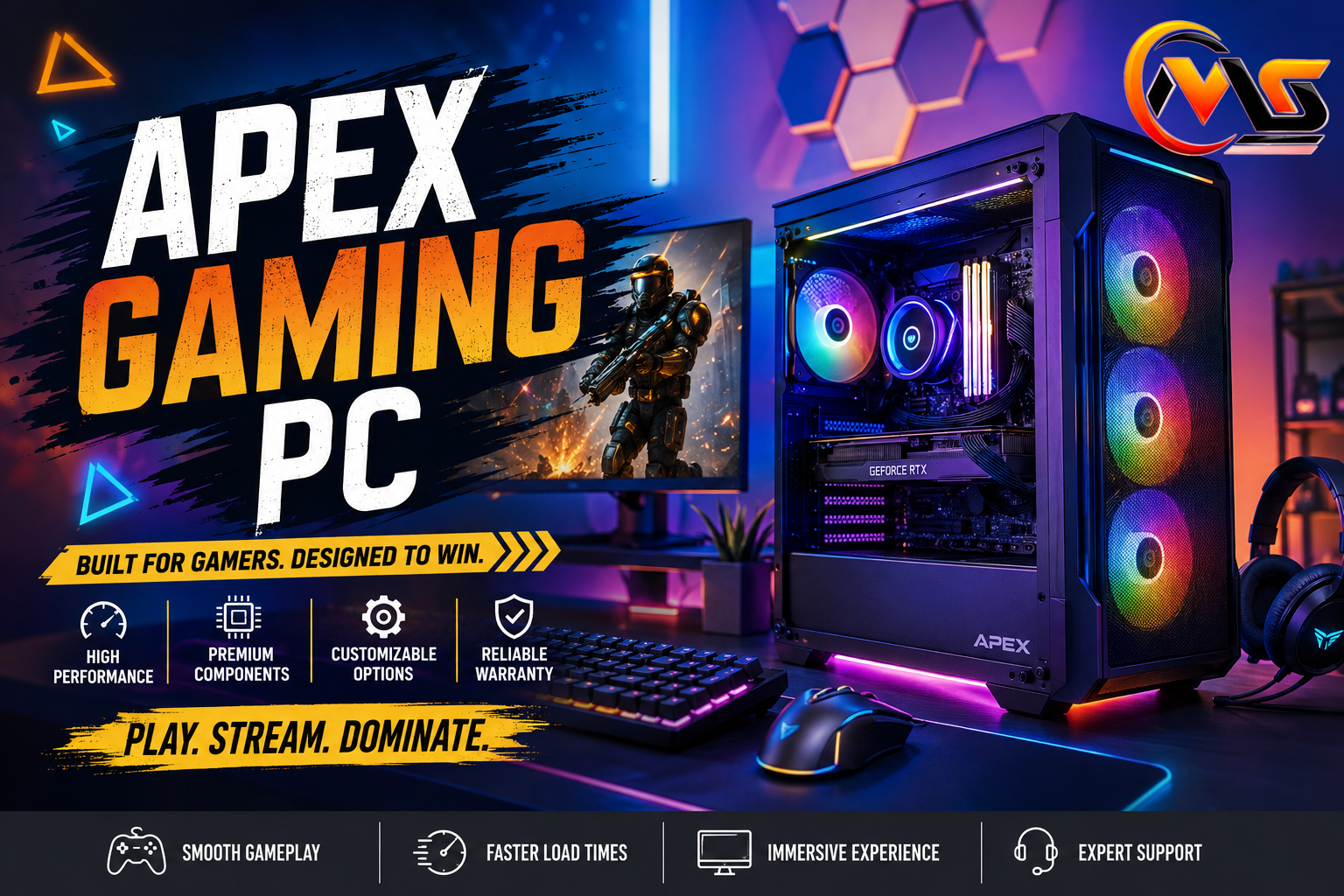
Choosing a gaming desktop can feel complicated when dozens of processors, graphics cards, storage options, and price points compete for attention. Apex Gaming PC systems take a different approach by offering ready-made desktops alongside customizable configurations for different gaming needs. The company currently sells machines ranging from entry-level 1080p systems to premium desktops designed for 4K gaming and streaming. This guide explains what Apex offers, how its models differ, what to consider before buying, and which type of player each configuration may suit best.
In this guide, you’ll learn:
- What makes Apex Gaming PCs different
- Which Apex models target different gaming resolutions
- How customization affects performance and value
- What warranty and support options are available
- How to choose an Apex PC for your needs
What Is an Apex Gaming PC?
Apex Gaming PCs is a custom gaming computer company that builds desktops around gaming and high-performance computing needs. Instead of requiring every customer to select and install individual components, Apex provides preconfigured systems while also allowing buyers to customize selected configurations. The company’s current lineup includes systems aimed at 1080p gaming, 1440p gaming, streaming, and demanding 4K workloads.
One appealing feature is the company’s emphasis on preparing systems before they reach the customer. Apex says its PCs use brand-new components, undergo testing before installation, and arrive with Windows 11, drivers, gaming-oriented power settings, and XMP configured where applicable. That approach is useful for buyers who want to start gaming without spending hours assembling and configuring a computer.
The lineup also covers a wide range of budgets. Current listed desktop prices span from under $1,000 for some entry-level systems to several thousand dollars for enthusiast machines.
Apex Gaming PC Models and Performance
The biggest difference between Apex systems is the hardware inside each model. Entry-level desktops are designed around 1080p gaming, while more powerful machines target higher resolutions and demanding applications. For example, the Apex Bronze is positioned for 1080p gaming at lower settings, while models such as Apex Zen and Apex Carbon target 1440p gaming. At the premium end, Apex Xtreme is marketed for 4K gaming and 1440p streaming.
| Apex Model | Typical Target | Graphics Hardware | Starting Price* |
|---|---|---|---|
| Apex Bronze | 1080p gaming | RTX 3050 | $919 |
| Apex Gold | 1080p gaming | RTX 5060 | $1,219 |
| Apex Alpha | 1440p gaming | RX 9070 | $1,799 |
| Apex Carbon | 1440p gaming & streaming | RTX 5070 | $2,329 |
| Apex Xtreme | 4K gaming & streaming | RTX 5080 | $3,609 |
*Listed prices can change with promotions and configuration choices.
For buyers, this makes the graphics card especially important. Someone playing competitive games at 1080p doesn’t necessarily need an expensive flagship GPU. A creator who streams, edits video, or wants high-resolution gaming, however, may benefit from stepping into a stronger configuration.
Customization and Hardware Choices
One of the more useful features of an Apex Gaming PC is customization. Apex says customers can start with a base configuration and upgrade components such as RAM and storage to create a system closer to their requirements. This is particularly helpful when a standard configuration doesn’t provide enough memory or SSD capacity.
Think about the complete system rather than focusing only on the GPU. The processor affects game performance and productivity, while RAM influences multitasking and the ability to keep demanding applications open. Fast SSD storage can also make Windows and game loading feel considerably more responsive.
A balanced configuration usually makes more sense than spending most of the budget on one component. For example, a powerful graphics card paired with insufficient memory or storage can create an uneven overall experience. Buyers should therefore compare the complete specification sheet before selecting a model.
Apex Gaming PC for Gaming and Streaming
Streaming introduces additional demands because the computer isn’t simply rendering a game. It may also be encoding video, handling a browser, running voice chat, recording footage, and managing streaming software simultaneously. Apex addresses this audience with dedicated Streamer, Streamer Plus, and Streamer Ultra configurations. The company positions these systems around 1080p, 1440p, and higher-end streaming workloads depending on the model.
For a casual streamer, an RTX 5060 Ti-based system may provide a sensible starting point without jumping immediately into an expensive flagship configuration. More serious creators can consider higher-tier systems with stronger GPUs and processors.
The right choice ultimately depends on what you actually do. If gaming is your only priority, put more of the budget toward gaming performance. If streaming, video editing, 3D work, or other demanding tasks are equally important, a stronger CPU, more RAM, and a higher-end GPU become more valuable.
Warranty, Support, and Ownership
After-sales support is a major consideration when buying a prebuilt gaming computer. Apex currently publishes detailed warranty and RMA information, and its warranty terms have changed over time, so buyers should check the current policy associated with their order. The company’s current warranty page states that desktop orders placed on or after August 5, 2026 receive three years of parts coverage, while labor coverage is listed at two years.
Apex also provides technical support resources covering topics such as cleaning, temperature monitoring, GPU installation, upgrades, and troubleshooting. Its contact page lists support availability and contact methods for customers who need assistance.
Potential buyers should read the complete warranty conditions before purchasing. RMA procedures can involve specific packaging requirements, GPU removal, shipping responsibilities, and response deadlines. Understanding those rules beforehand can prevent unpleasant surprises if a repair is ever required.
Is an Apex Gaming PC Worth Buying?
Whether an Apex Gaming PC represents good value depends on what you want from a desktop. The biggest advantage is convenience. A prebuilt arrives assembled, tested, configured, and ready for use, which saves time and eliminates many of the difficulties associated with building a computer from individual components.
Customization is another advantage. Instead of accepting a completely fixed machine, buyers can adjust parts to better match their workload. Apex also offers a broad range of systems, from relatively affordable 1080p desktops to powerful 4K-oriented machines.
The trade-off is price. Building a PC yourself can sometimes provide better component-per-dollar value because you aren’t paying a company for assembly, testing, and support. A prebuilt can still make sense if convenience, warranty coverage, technical assistance, and a ready-to-use experience matter more to you than achieving the lowest possible hardware cost.
How to Choose the Right Apex Gaming PC
Start with your monitor and target resolution. If you’re using a standard 1080p display, an entry-level or midrange Apex desktop may be sufficient. For a 1440p monitor, look toward systems built around stronger modern GPUs. Gamers interested in 4K should consider higher-end configurations because the increased resolution places substantially more demand on the graphics hardware.
Next, consider what happens outside gaming. A user who only plays games has different needs from someone who streams, edits videos, creates content, or works with demanding software. Storage capacity also deserves attention. Modern games can consume enormous amounts of space, so a larger SSD can save you from constantly deleting and reinstalling titles.
Finally, compare the exact configuration and current price before ordering. Apex’s website shows ongoing discounts, and listed prices can change. The model name alone doesn’t tell the whole story because available configurations and promotions may affect the final cost.
Conclusion
An Apex Gaming PC can be an attractive option for gamers who want a professionally assembled desktop without handling the entire building process themselves. Its current lineup covers entry-level 1080p gaming through high-end 4K gaming and streaming, while customization gives buyers additional flexibility. The smartest purchase isn’t necessarily the most expensive model. Match the processor, graphics card, RAM, and storage to your actual games, monitor, and other workloads. Also review current pricing and warranty terms before ordering, since both promotions and policies can change.
FAQs About Apex Gaming PC
Are Apex Gaming PCs prebuilt?
Yes. Apex sells ready-made gaming desktops as well as configurable systems. Customers can choose from established models and, where available, customize components such as memory and storage. This makes the brand suitable for people who want a finished gaming computer without assembling every component themselves.
Can Apex Gaming PCs handle 4K gaming?
Some models are specifically designed for 4K gaming. Apex currently markets high-end systems such as the Apex Xtreme for 4K gaming and 1440p streaming. Actual performance will depend on the specific configuration, game, graphics settings, and display being used.
Does Apex Gaming PC offer customization?
Yes. Apex states that customers can begin with a base desktop and customize available components to create a system suited to their needs. Options can include upgrades to RAM and storage, although the exact choices depend on the selected configuration.
What warranty does Apex Gaming PCs provide?
Warranty coverage depends on the order date and product type. Apex’s current warranty page lists three years of desktop parts coverage for orders placed on or after August 5, 2026, alongside two years of labor coverage. Buyers should verify the current terms before purchasing.
Is Apex better than building a gaming PC yourself?
There isn’t one answer for everyone. A self-built computer can offer greater control and potentially better value, while Apex provides assembly, testing, configuration, and customer support. For buyers who value convenience and want a ready-to-use machine, a prebuilt can justify its additional cost.
Also Read: Sunday Morning Blessings: Peace, Hope, and Gratitude
