


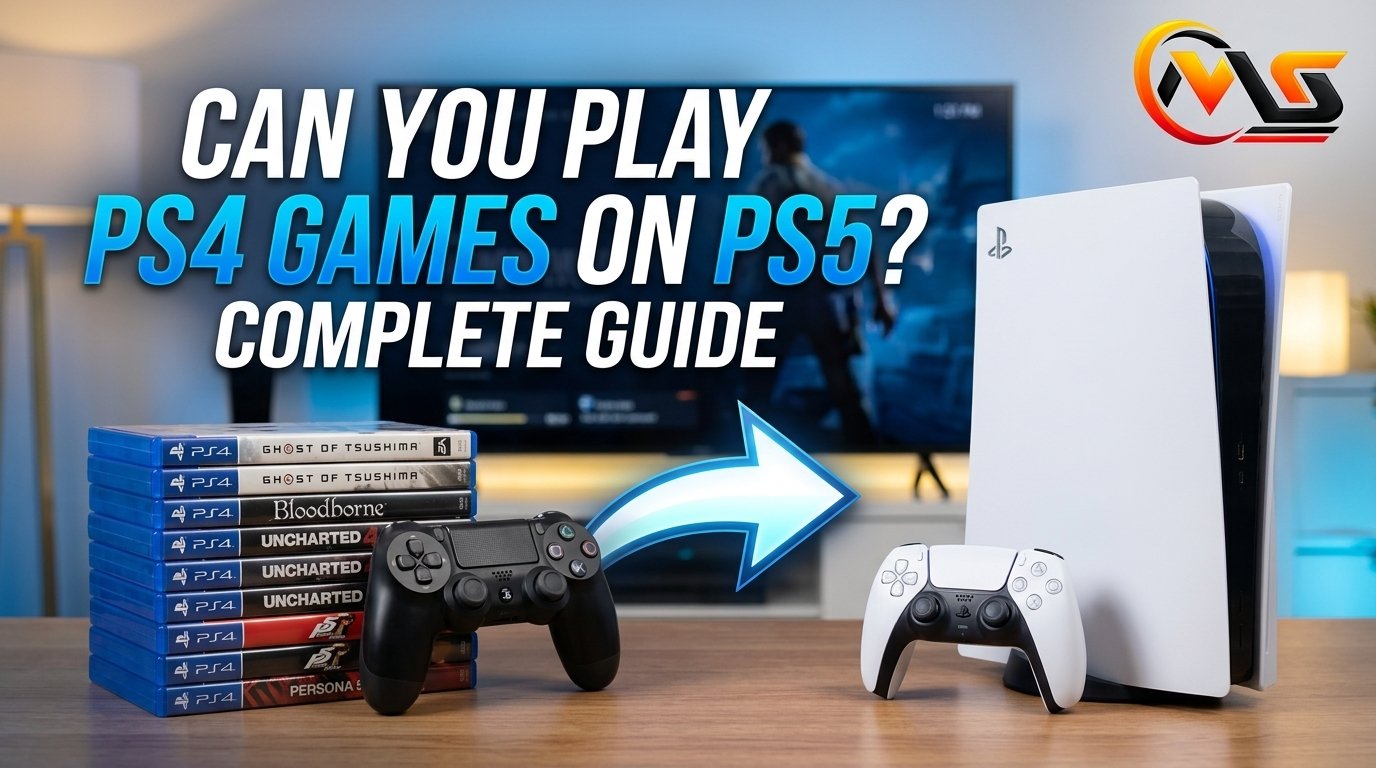
If you’ve moved from a PS4 to a PS5, you don’t have to leave your old game collection behind. The PS5 supports the overwhelming majority of PS4 games, giving players access to thousands of familiar titles on the newer console. Some games can even benefit from faster loading or improved frame rates through PS5 features such as Game Boost.
In this guide you’ll learn:
- Which PS4 games work on PS5
- How digital and physical games work
- What happens to PS4 saves
- How PS5 Game Boost improves some titles
- What PS5 Digital Edition owners need to know
Can You Play PS4 Games on PS5?
Yes, you can play most PS4 games on PS5. Sony designed the console with backward compatibility, and its official support information says the overwhelming majority of the 4,000+ PS4 games can be played on PS5. That makes upgrading consoles much easier for players who already own a large PS4 library.
Your PS4 games don’t automatically become PS5 games, though. In many cases, you’re simply running the PS4 version through backward compatibility. Some games have separate PS5 versions that offer improved graphics, performance, or other features. If an upgrade is available, the game may give you an option to download or purchase that newer version.
There are a small number of PS4 titles that aren’t compatible. Sony identifies games that remain “PS4 only” through PlayStation Store information, so checking the individual game’s listing is the safest way to confirm compatibility.
How PS4 Games Work on PS5
The experience depends partly on whether your PS4 game is digital or physical. Digital purchases connected to your PlayStation account can generally be downloaded again on a compatible PS5. After signing into the same account, your eligible library becomes available through the console’s game interface.
Physical games work differently. If you own a PS5 model with a disc drive, you can insert a compatible PS4 disc, install the game, and start playing. The disc must remain inserted whenever you want to play that physical copy. Sony also notes that a game update may be required after inserting the disc.
The PS5 Digital Edition has no disc drive, so physical PS4 discs can’t be used on it. Digital PS4 purchases, however, can still be downloaded when the game is compatible. This difference is worth considering if you’re choosing between PS5 models.
| PS4 game type | PS5 compatibility |
|---|---|
| Compatible digital PS4 game | Yes |
| Compatible PS4 disc | Yes, on PS5 with disc drive |
| PS4 disc on PS5 Digital Edition | No |
| PS4 game marked “PS4 only” | No |
| Eligible PS4 game with PS5 upgrade | PS4 version works; upgrade may also be available |
Do PS4 Games Look Better on PS5?
A PS4 game doesn’t automatically become a completely remastered PS5 title, but some games can perform better on the newer hardware. Sony’s Game Boost technology can improve or stabilize frame rates in selected PS4 games, while certain titles may benefit from faster loading or higher visual fidelity.
The exact improvement depends on the game. A title with an unlocked frame rate may take better advantage of PS5 hardware than a game with a fixed performance target. Some games may also have received patches specifically designed to take advantage of the newer console.
This creates an interesting middle ground. You can enjoy an older PS4 game without buying a new copy, yet still receive a smoother experience in supported titles. However, players shouldn’t expect every PS4 game to receive the same treatment.
It’s also useful to distinguish backward compatibility from a PS5 upgrade. Backward compatibility lets you play the PS4 version. An upgrade, when offered, may provide a dedicated PS5 version with more substantial technical improvements.
Can You Use PS4 Game Saves on PS5?
Yes, you can transfer PS4 game data and save files to a PS5, although the exact process can depend on the game and the method you choose. Sony supports transferring data between PS4 and PS5 using a network connection, while compatible USB storage can also be used for PS4 game data. PlayStation Plus members can use cloud storage for compatible save transfers as well.
There’s one detail that sometimes surprises players: moving a save from the PS4 version to a separate PS5 version isn’t guaranteed for every game. Developers decide whether cross-generation save transfers are supported. That means your PS4 progress may transfer smoothly in one title but require a different process—or may not transfer—to another.
Before deleting anything from your PS4, it’s sensible to confirm that your important saves have been transferred or backed up. Keeping the original console data until you’ve successfully tested your games can provide extra peace of mind.
Can PS4 and PS5 Players Play Together?
In many multiplayer games, PS4 and PS5 players can continue playing together when the PS5 is running the compatible PS4 version. Sony confirms that multiplayer PS4 games played through backward compatibility can support interaction between players on both consoles, although the exact features depend on the individual game.
This is particularly useful for families and groups of friends who haven’t all upgraded at the same time. Someone using a PS4 may still be able to join a friend playing the PS4 version on a PS5.
However, don’t assume that every multiplayer title works identically across generations. Online services can change, and individual publishers control their games’ servers and cross-generation features. Always check the game’s current information if multiplayer compatibility is the main reason you’re upgrading.
The same principle applies to communication. PlayStation supports voice communication between PS4 and PS5 users through Party features, while in-game chat depends on the particular title.
What About PS4 Games on the PS5 Digital Edition?
The PS5 Digital Edition can play compatible digital PS4 games, but it cannot read physical PS4 discs because it doesn’t have a disc drive. If your PS4 collection consists mainly of downloads purchased through PlayStation Store, the Digital Edition can still provide access to that library after you sign into the appropriate PlayStation account.
The situation is different for someone with a shelf full of PS4 discs. Those physical games can’t simply be converted into playable copies on the disc-free console. If you want to continue using those discs, you’ll need a PS5 model with a compatible disc drive.
Some PS4 games also offer a separate PS5 upgrade. Depending on the title and offer, an upgrade can be free, paid, or subject to specific conditions. Sony states that an internet connection is required for these digital upgrades, and physical-disc owners need a PS5 with a disc drive when the upgrade requires the original disc.
How to Play a PS4 Game on PS5
Getting started is straightforward once you’ve confirmed that the game is supported.
For a digital game, sign into the same PlayStation account used to purchase the title, open your game library, and find the compatible PS4 game. Download and install it, then launch it from the PS5 home screen.
For a physical game, insert the PS4 disc into a PS5 with a disc drive. The console will install the game, and you may be prompted to download an update. Keep the disc inserted whenever you play because it acts as proof of ownership.
If you’re moving from PS4 to PS5, update both consoles before transferring important data. Sony recommends keeping the PS5 system software current and applying available game patches for the best compatibility.
Conclusion
So, can you play PS4 games on PS5? In most cases, absolutely. The PS5 supports the overwhelming majority of the PS4 library, including digital games and physical discs when you’re using a PS5 with a disc drive. Some compatible games can also benefit from Game Boost, faster loading, or dedicated PS5 upgrades. The main exceptions involve a relatively small group of PS4-only titles and physical discs used with the PS5 Digital Edition. For most players, upgrading to PS5 doesn’t mean abandoning their PS4 collection.
FAQs
Can I play every PS4 game on PS5?
No. The vast majority of PS4 games are compatible, but a small number remain PS4-only. Sony identifies incompatible titles as “Playable on: PS4 only” in relevant PlayStation Store information. Checking the specific game before purchasing or installing it is the safest approach.
Can I play PS4 discs on a PS5?
Yes, provided you have a PS5 model with a disc drive and the particular PS4 game is compatible. Insert the disc, allow the console to install any required files or updates, and keep the disc inserted whenever you play. PS4 discs cannot be used on the PS5 Digital Edition.
Do PS4 games run faster on PS5?
Some do. Selected PS4 games can benefit from PS5’s Game Boost, which may improve or stabilize frame rates. Certain titles can also load faster on the newer hardware. The exact benefit varies considerably from one game to another.
Will my PS4 save automatically work with a PS5 version?
Not necessarily. Save compatibility between a PS4 version and a separate PS5 version is decided by the game’s developer. Some titles support transfers, while others may have different requirements. Check the game’s official information before assuming your existing progress will carry over.
Can PS4 and PS5 players play online together?
Often, yes, when the same compatible PS4 game is being used. Sony says PS4 and PS5 players can play together in supported multiplayer games, but individual game features and online services can vary. Always check the game’s current multiplayer information for generation-specific restrictions.
Alsao Read: 9567223199: Location, Meaning, Safety & Caller Guide
