


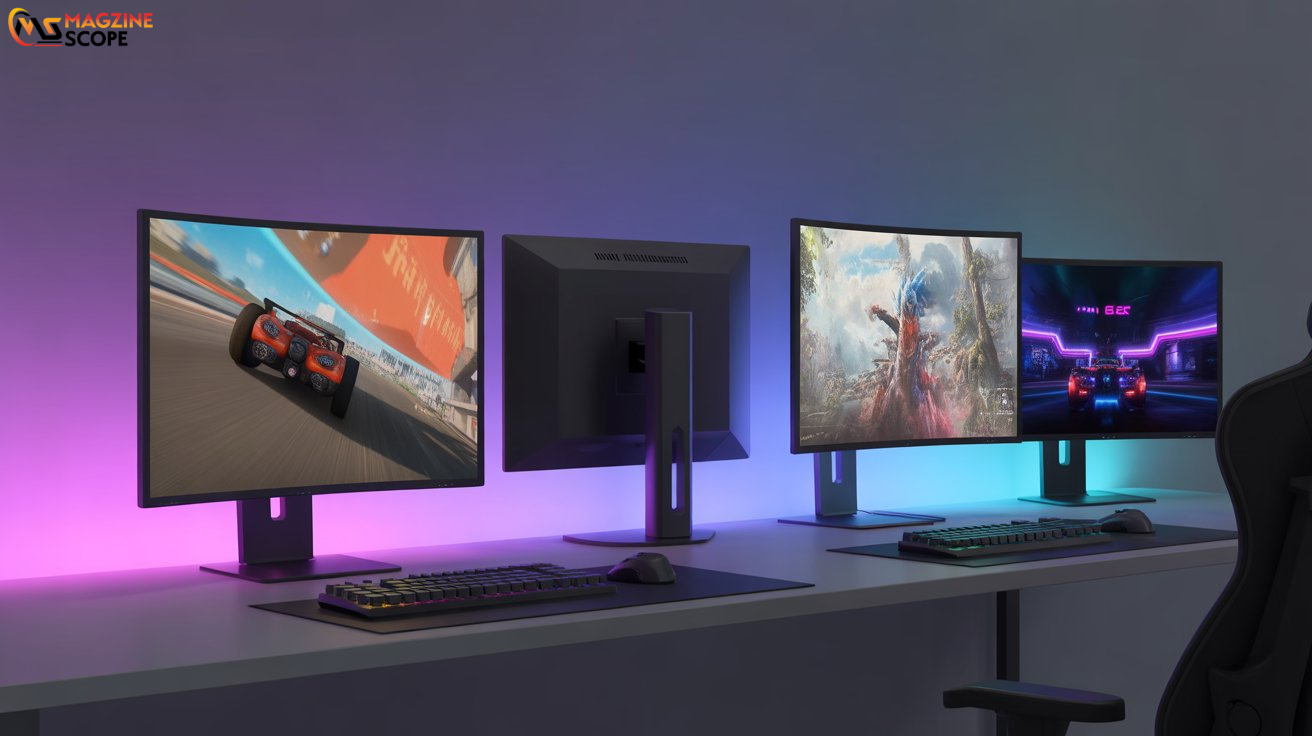
OLED gaming monitors have taken the gaming world by storm, offering stunning visuals, faster response times, and immersive experiences that traditional LCD screens struggle to match. For beginners, diving into the world of OLED can feel overwhelming due to technical jargon like refresh rates, HDR, and pixel response times.
This guide breaks it all down in simple, easy-to-understand terms. By the end, you’ll know what makes OLED monitors unique, how to choose the right one, and practical tips to get the most out of your gaming setup. Whether you’re a casual gamer or a budding streamer, OLED gaming monitors can significantly enhance your gaming experience.
Core Principles of OLED Gaming Monitors
Understanding the fundamentals of OLED technology helps you make informed decisions when choosing a gaming monitor. Here are the key principles:
1. Self-Emissive Technology
Unlike traditional LCDs that use backlights, OLED monitors have self-emissive pixels. Each pixel generates its own light, allowing for perfect blacks, vivid colors, and sharper contrast. This means games look more realistic, especially in dark scenes.
2. Response Time and Refresh Rates
OLED panels typically offer response times as low as 0.1ms, reducing motion blur during fast-paced games. Paired with high refresh rates (120Hz–240Hz), these monitors make gameplay smooth, giving you a competitive edge in action, racing, or first-person shooter games.
3. Wide Color Gamut and HDR
OLED monitors support a wide color range and HDR (High Dynamic Range), enhancing the brightness and color accuracy. This makes visuals pop, allowing you to see subtle details in games that other monitors might miss.
4. Viewing Angles
Because each pixel emits its own light, OLED monitors maintain color accuracy and brightness even at wide viewing angles. This is perfect for multiplayer sessions or gaming in shared spaces.
5. Burn-In Awareness
OLED screens can experience burn-in if static images are displayed for long periods. While modern monitors include anti-burn technologies, being mindful of static HUDs or paused screens is important for longevity.
Beginner Tips for OLED Gaming Monitors
If you’re just starting, here are practical tips to make the most of your OLED monitor. Each tip is explained in a short paragraph to keep things simple and actionable.
- Start with the Right Size: Choose a monitor between 27–32 inches for immersive gameplay without straining your eyes.
- Mind the Resolution: For most gamers, 1440p provides the perfect balance between performance and visuals. 4K is stunning but requires a powerful GPU.
- Adjust Brightness and Contrast: Avoid overly bright settings to prevent eye strain while maximizing the OLED’s color depth.
- Enable HDR in Games: If supported, HDR makes your game worlds more lifelike with richer details in shadows and highlights.
- Protect Against Burn-In: Use screen savers, rotate static elements, or enable pixel-shifting features in your monitor settings.
Here’s a small table with beginner-friendly gaming setups for different budgets:
| Budget Range | Recommended OLED Monitor Features | Example Use Case |
|---|---|---|
| $500–$800 | 27-inch, 1080p, 120Hz, HDR support | Casual gaming & esports |
| $800–$1,200 | 27–32 inch, 1440p, 165Hz+, HDR, G-Sync/FreeSync | Competitive and AAA gaming |
| $1,200+ | 32-inch, 4K, 240Hz, HDR10+, low latency, premium panel | Streaming & high-end immersive gaming |
Advanced Tips for Career Growth or Next Steps
For gamers aiming to turn their passion into a career, understanding advanced OLED monitor features can make a real difference.
- Calibration and Color Accuracy: Learn how to calibrate your monitor using software or built-in tools. Accurate colors are essential for game streaming, content creation, and professional esports.
- Understand Adaptive Sync Technology: G-Sync or FreeSync reduces screen tearing and stuttering. Knowing which one aligns with your GPU is crucial for professional-level gameplay.
- Multi-Monitor Setups: Using multiple OLED monitors can create immersive workstations for streaming, video editing, or competitive gaming.
- Software Optimization: Many games allow you to tweak graphics and refresh rates specifically for OLED panels. Experimenting helps you balance performance and visuals efficiently.
- Ergonomics and Comfort: Invest in monitor arms or adjustable stands. Professionals play for hours, and maintaining posture reduces fatigue and increases performance.
Common Challenges and Solutions
Even the best OLED monitors come with minor challenges. Knowing how to address them helps beginners avoid frustration.
- Burn-In Risk: Avoid leaving static images on-screen for long periods; use built-in anti-burn features.
- Price Consideration: OLED monitors are more expensive than LED or LCD; consider used or smaller models if on a budget.
- Brightness Fade Over Time: High brightness over long periods can slightly reduce lifespan; adjust settings to moderate levels.
- Input Lag Concerns: While minimal, ensure your monitor is set to “Game Mode” for optimal responsiveness.
How to Apply These Tips Today
Getting started with OLED gaming monitors doesn’t require a massive setup. Follow this simple daily plan:
- Set up your monitor in a comfortable viewing position, ideally at eye level.
- Adjust resolution, refresh rate, and HDR settings before gaming.
- Enable any anti-burn or pixel-shifting features.
- Play a variety of games to test visual quality and response times.
- Rotate games and avoid static menus for extended periods to preserve the OLED screen.
By making these habits part of your routine, you ensure the best performance and longevity from your OLED monitor.
Why These Tips Matter in 2026 and Beyond
OLED technology is evolving rapidly. In 2026, monitors are not just display tools—they are central to immersive gaming, content creation, and professional streaming. Following these tips ensures you stay ahead:
- Future-Proofing: Understanding refresh rates, HDR, and adaptive sync prepares you for next-gen GPUs and consoles.
- Enhanced Gameplay: Proper calibration and settings can give you a competitive advantage in esports.
- Sustainable Use: Anti-burn strategies prolong your monitor’s lifespan, protecting your investment.
- Professional Skills: Knowledge of OLED tech is valuable for careers in game development, streaming, and tech reviews.
Adapting to these advancements ensures your gaming setup remains relevant and impactful for years to come.
Conclusion
OLED gaming monitors represent the future of immersive and responsive gaming. They combine breathtaking visuals, lightning-fast response times, and wide viewing angles to create an unmatched experience. For beginners, understanding the core principles, setting up correctly, and following practical tips ensures you get the most out of your investment.
Whether you aim to improve your casual gameplay, stream professionally, or build a career around gaming, OLED monitors are a powerful tool that elevates your skills. Take the first step today—adjust your settings, explore different games, and experience gaming like never before. Your future in high-quality gaming starts now.
FAQ: OLED Gaming Monitors
Q1: Are OLED monitors worth it for casual gamers?
A1: Yes. Even casual gamers benefit from superior color, contrast, and fast response times.
Q2: Can OLED monitors be used for non-gaming purposes?
A2: Absolutely. They’re excellent for content creation, movie watching, and graphic design due to vibrant colors and deep blacks.
Q3: How long does an OLED monitor last?
A3: Modern OLED monitors last 30,000–100,000 hours depending on usage and brightness settings.
Q4: What is the best refresh rate for gaming on OLED?
A4: 120Hz is a good starting point, but 144Hz or higher is ideal for competitive gaming.
Q5: How do I prevent burn-in on my OLED monitor?
A5: Use screen savers, avoid static HUDs, enable pixel shifting, and vary your games regularly.
Also read : Food Trends Jalbiteblog: A Beginner-Friendly Guide to the Hottest Culinary Trends
